MongoDB Manually config
macOS 10.15.x
path error
exception in initAndListen: NonExistentPath: Data directory /data/db not found.
Create the missing directory or specify another path using (1) the --dbpath command line option,
or (2) by adding the 'storage.dbPath' option in the configuration file.,
terminating 2020-07-16
--dbpath
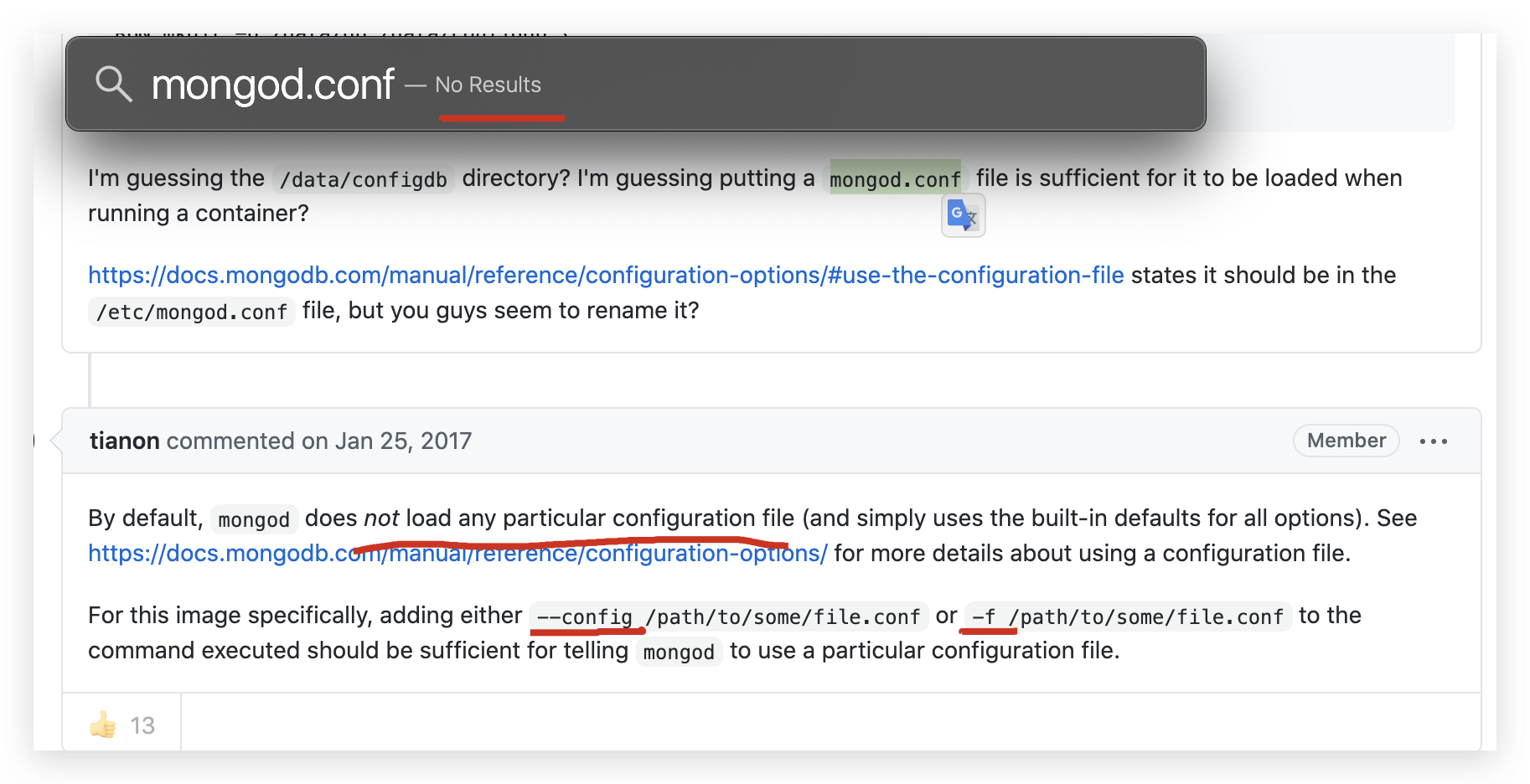
no default config file exists???
https://github.com/docker-library/mongo/issues/136#issuecomment-274934620
# 手动指定
$ mongod --config /path/to/some/file.conf
# OR
$ mongod -f /path/to/some/file.conf
https://docs.mongodb.com/manual/reference/configuration-options/#configuration-file
configuration-file
https://docs.mongodb.com/manual/reference/configuration-file-settings-command-line-options-mapping/
https://docs.mongodb.com/manual/administration/configuration/
error ???
$ mongod -f /usr/local/etc/mongod.conf

$ mongos -f /usr/local/etc/mongod.conf
solution
# write 权限

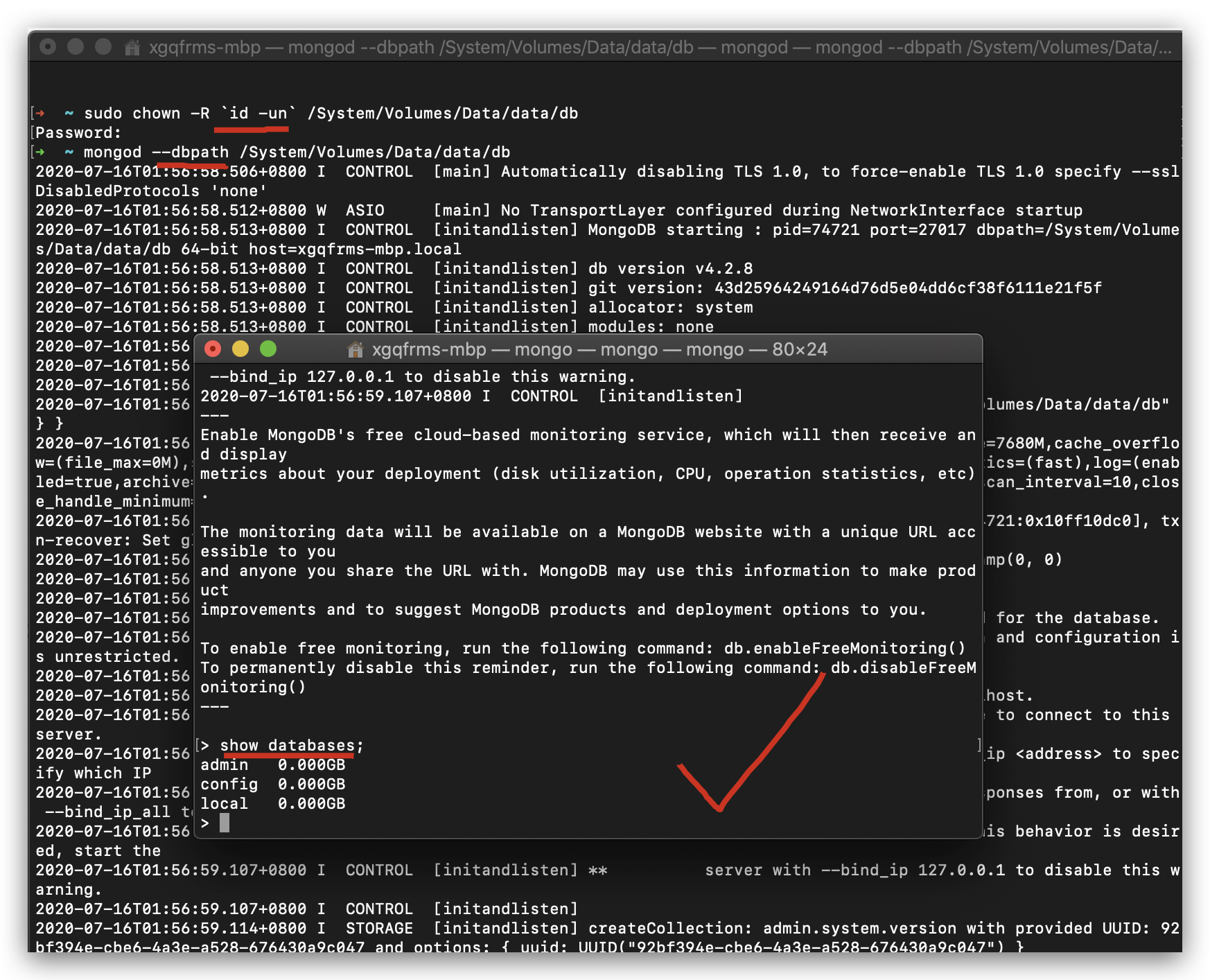
$ sudo chown -R `id -un` /System/Volumes/Data/data/db
# server
$ mongod --dbpath /System/Volumes/Data/data/db
# client
$ mongo

> show databases;

> quit();
MongoDB GUI
Robo 3T
https://robomongo.org/download
refs
MongoDB & macOS (install manually)
https://www.cnblogs.com/xgqfrms/p/9770091.html
©xgqfrms 2012-2020
www.cnblogs.com 发布文章使用:只允许注册用户才可以访问!
本文首发于博客园,作者:xgqfrms,原文链接:https://www.cnblogs.com/xgqfrms/p/13313153.html
未经授权禁止转载,违者必究!
来源:https://www.cnblogs.com/xgqfrms/p/13313153.html |



 发表于 2020-7-16 01:35:00