|
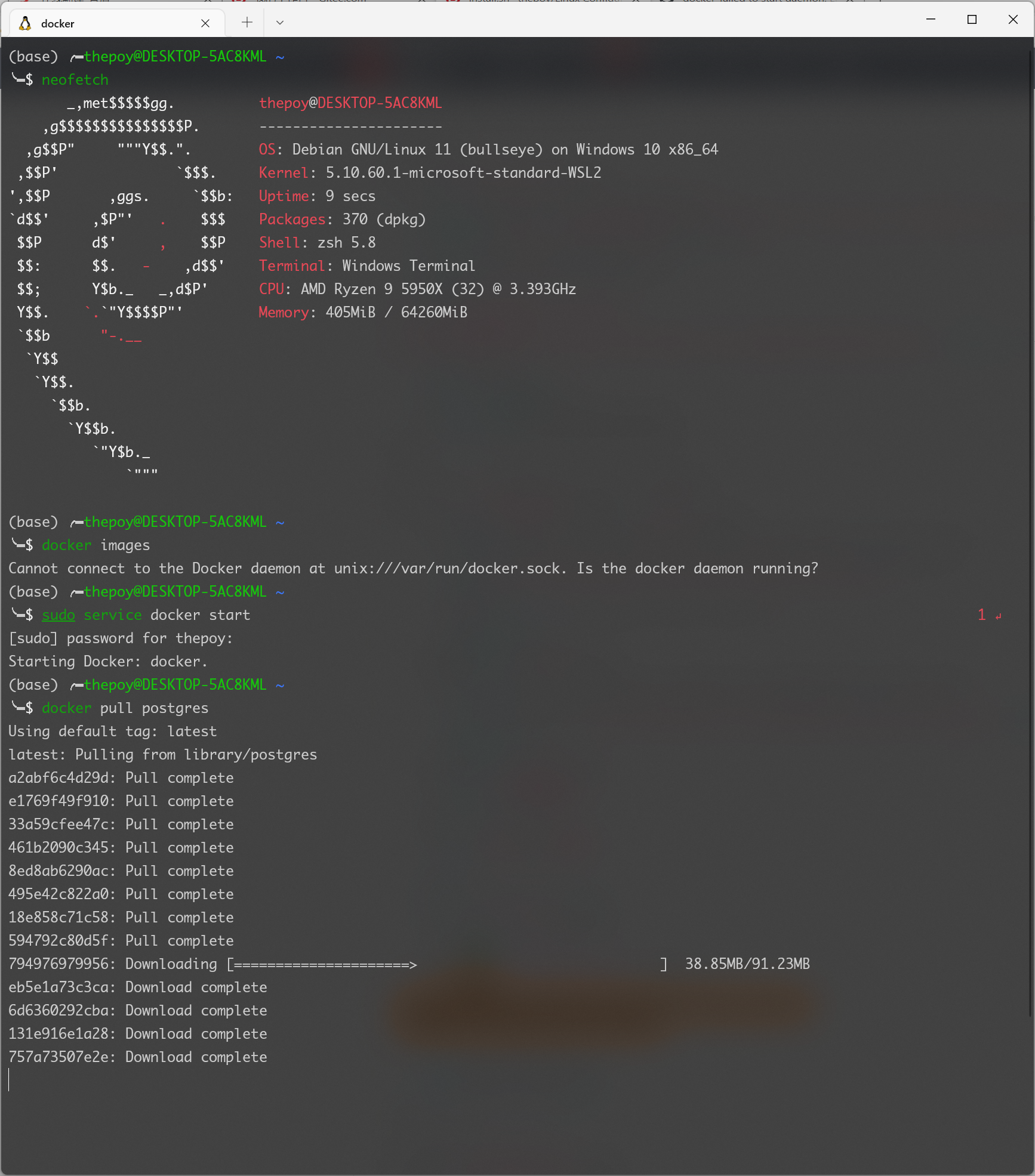
昨天在一台新的 Windows 11 中安装了 WLS2,目的就是使用 docker。
Microsoft Store 中默认的 Debian 版本是 11,我在很久之前安装的是 10,照着之前的经验添加了北外镜像的 docker-ce 源,安装很顺利。
使用过 WSL2 的人肯定知道,WSL2 中不能使用systemctl,需要使用service来启动 docker 或其他服务。
于是我便启动 docker:
sudo service docker start
此时竟无法启动,查看日志:
$ cat /var/log/docker.log
...
Sep 13 20:47:37 xxx dockerd: failed to start daemon: Error initializing network controller: error
 obtaining controller instance: failed to create NAT chain DOCKER: iptables failed: iptables -t nat -N D
OCKER: iptables v1.4.21: can't initialize iptables table `nat': Table does not exist (do you need to ins
mod?)
可以看到是 iptables 的问题,此问题在其 github 仓库中有人提出过#1105,幸运的是,这个问题正好能被简单地解决。
首先,将iptables用iptables-legacy替换:
sudo update-alternatives --set iptables /usr/sbin/iptables-legacy
然后,开启 ipv4 的包转发功能:
sudo sed -i 's/#net.ipv4.ip_forward=1/net.ipv4.ip_forward=1/g' /etc/sysctl.conf
最后,重启 WSL2,下面的代码在管理员模式下的 powershell 中运行:
wsl --shutdown
此时再启动 Debian,就能顺利启动 docker了。
来源:https://www.cnblogs.com/thepoy/p/16004037.html |



 发表于 2022-3-14 14:44:00